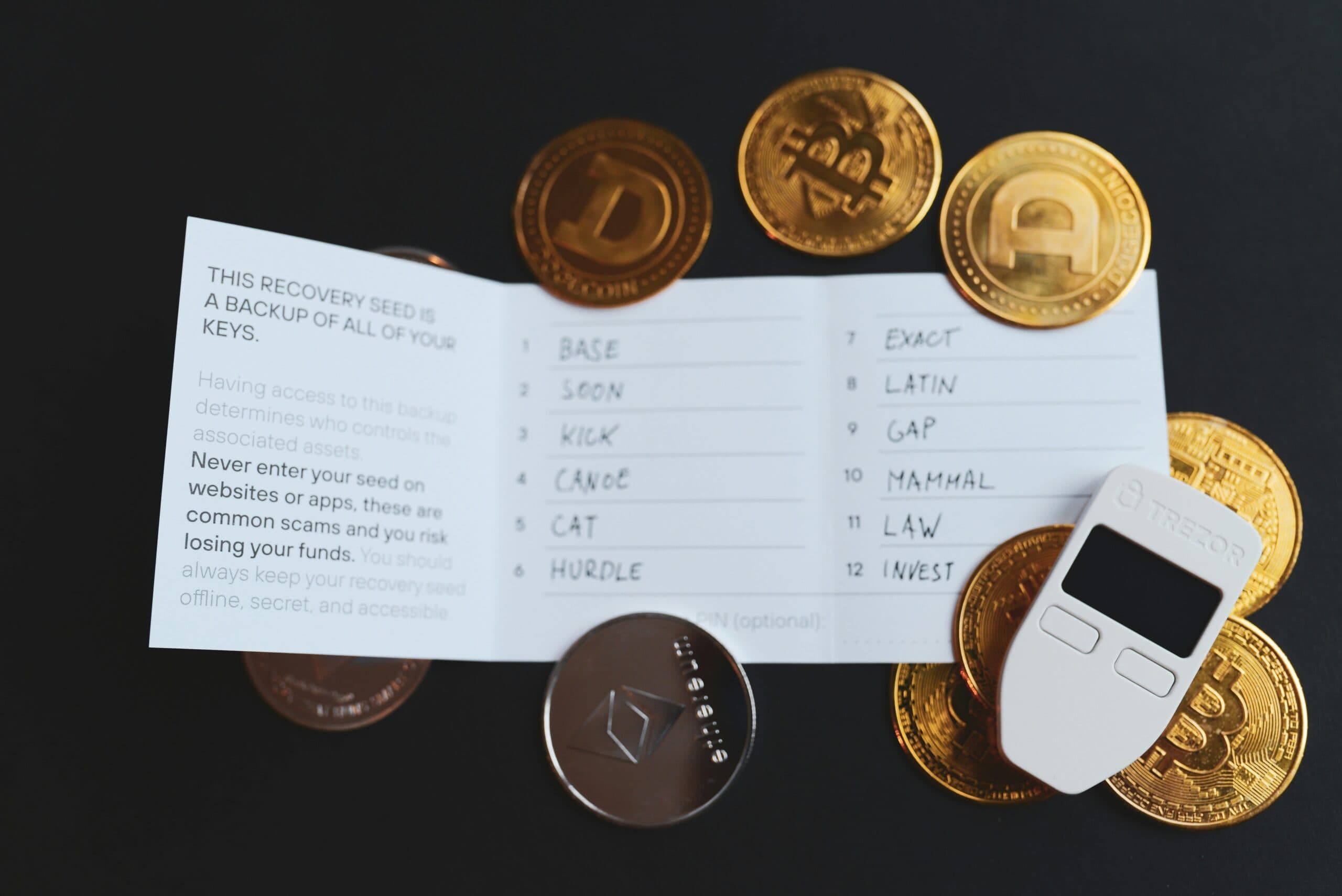


Many parents wonder how to leave digital assets to kids — photos, emails, passwords, online accounts — without stress or lost access. Most of us have spent years building a digital life: thousands of family photos in the cloud, important emails, bank app logins, Netflix and Amazon accounts, even heartfelt messages we’ve never sent. But when the time comes, what happens to all of it?
Too often the answer is: nothing. Or worse — your kids spend weeks or months locked out, fighting with tech support, or losing precious memories forever. According to recent surveys, only about 30% of adults have any kind of plan for their digital assets, and far fewer include passwords or online accounts in their will. When you plan to leave digital assets for kids in the right way, they avoid months of hassle.
The good news? You don’t need a lawyer to create a full estate plan just to make sure your family can get in. There are simple, private tools designed exactly for this, enabling parents to leave important digital assets to their children effortlessly.
Vesperly makes it easy to secure your digital legacy so your kids never lose access to important memories!
Why Leave Digital Assets to Kids Matters Now
- Wills & paper lists: Even if you write passwords on paper, they can be lost, stolen, or outdated the day after you write them.
- Sharing accounts while alive: Giving your adult child your email password today means they can read everything right now — not ideal for privacy.
- Trusting “family sharing” features: Apple, Google and Facebook offer limited legacy contact options, but they don’t cover bank logins, crypto wallets, or private messages. Clearly, leaving digital assets to kids is more complex than it seems.
You want something secure, flexible, and only accessible when it’s truly needed.
A Better Way: A Private Digital Vault
Services like Vesperly create a zero-knowledge encrypted vault — meaning everything is locked on your device before it ever reaches the internet. The best solution for ensuring your children inherit digital assets is using a secure vault to leave those assets to your kids. You decide:
- What to store (passwords, seed phrases, final messages, instructions, photos links)
- Who should have access (one trusted executor or family member)
- When they get access (only after you can’t check in anymore)
The key feature is called heartbeat monitoring:
- You set a reminder interval (e.g., every 60 days).
- You click “I’m still here” to reset the timer.
- If you don’t reset (because of illness, travel, or passing), gentle reminders are sent to you first.
- After a grace period (you choose 7–30 days), the account is flagged.
- Your chosen executor gets a secure link to request access.
They must upload official proof (death certificate or, for incapacity, Power of Attorney + doctor’s note). After manual review, they receive a one-time link to open the vault — but they still need the master password or recovery code you shared with them while you were healthy.
Step-by-Step: How to Set It Up
- Sign up (free tier available – no credit card needed) Create an account at vesperly.com and remember, this lets you leave digital assets for your kids securely.
- Set your master password This is the only key to your vault. Write it down and store it safely with your executor (sealed envelope, safe deposit box, lawyer). Never share it while you’re active — that’s what keeps everything private.
- Add what matters Start with 3–5 essentials: main email password, phone PIN, a final message to your kids, a list of important accounts. Premium removes the 10-item limit.
- Choose your executor Pick one trusted person (usually an adult child or spouse). You can add up to 4 additional contacts for notifications.
- Set your heartbeat Choose how often you want to check in. Pause or snooze anytime (perfect for hospital stays or long trips).
- Share recovery info while you can Print the recovery sheet and give it to your executor in a sealed envelope or with your will. This is the only way they can decrypt the vault later.
That’s it — usually 10–15 minutes. By following these steps, you can confidently leave digital assets to kids safely and conveniently.
Why Families Choose This Over Other Options
- Private — no one (not Vesperly, not tech support) can read your content ever.
- Controlled — access only happens after verified legal proof and your pre-shared password. This ensures leaving digital assets for your kids stays private and secure.
- Flexible — pause for life events; resume when you’re back.
- Affordable — free tier for basics; premium $9/mo or $89/yr (add spouse for 33% off).
Final Thought
You’ve already taken care of so much for your family — life insurance, a will, maybe a trust. Your digital life deserves the same attention. A few minutes now can save your children weeks of stress and heartache later. And needless to say, when you want to leave digital assets for your kids, planning in advance makes all the difference!
Ready to protect your family’s digital life? Start free at Vesperly
Have questions? Leave a comment or email support@vesperly.com.